
Everything you need, nothing you don’t.
A closer look at what PhotoSpace can do.
Built for speed and precision.
Highlights that make PhotoSpace feel different from the first minute.
Adjustments
Light and color controls with live preview.
Layers
Non-destructive editing with groups and masks.
Selections
Select, refine and mask with precision.
Crop and straighten
Frame photos with guides and ratios.
Histogram
Judge exposure at a glance.
Fast previews
Responsive canvas on large images.
Cloud sync
Pick up edits on any device.
Export presets
Save the formats you use most.
Shortcuts
Work fast with customizable keys.
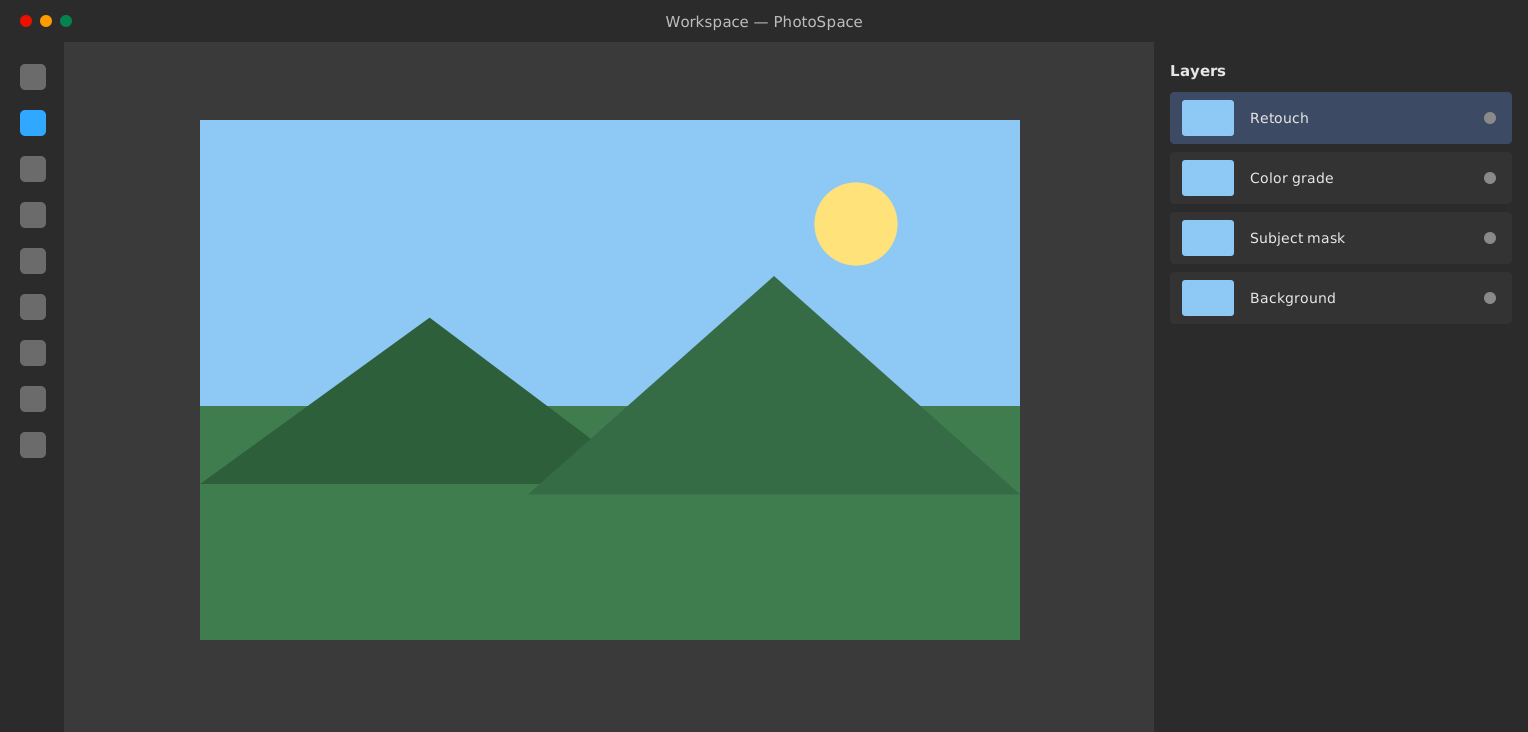
Everything within reach.
A focused layout keeps tools, layers and adjustments close, so your eyes stay on the photo.
- Slim toolbar
- Dockable panels
- Full-screen canvas mode
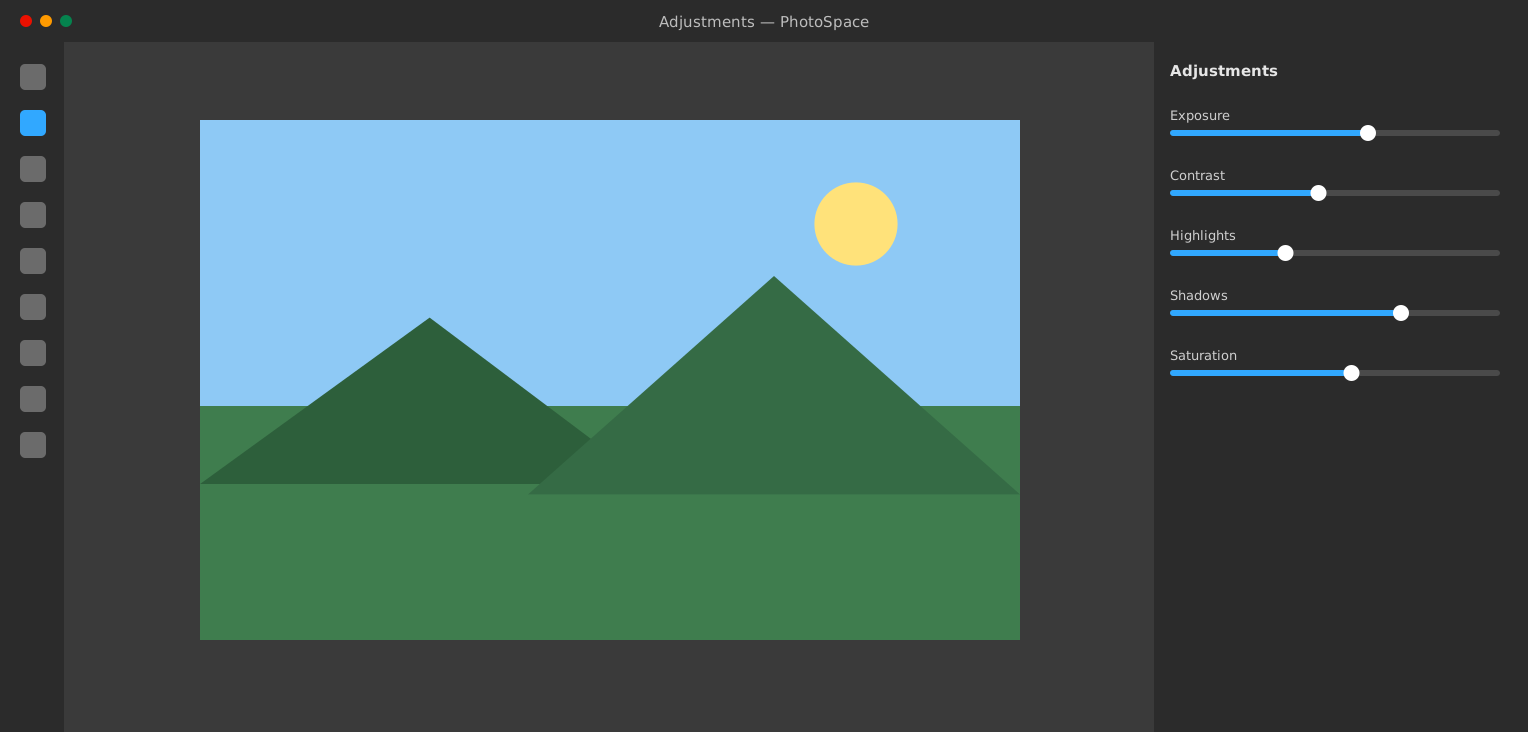
Tune light and color precisely.
Sliders respond instantly, and every change is non-destructive so you can revisit it later.
- Exposure and contrast
- Highlights and shadows
- Saturation and vibrance
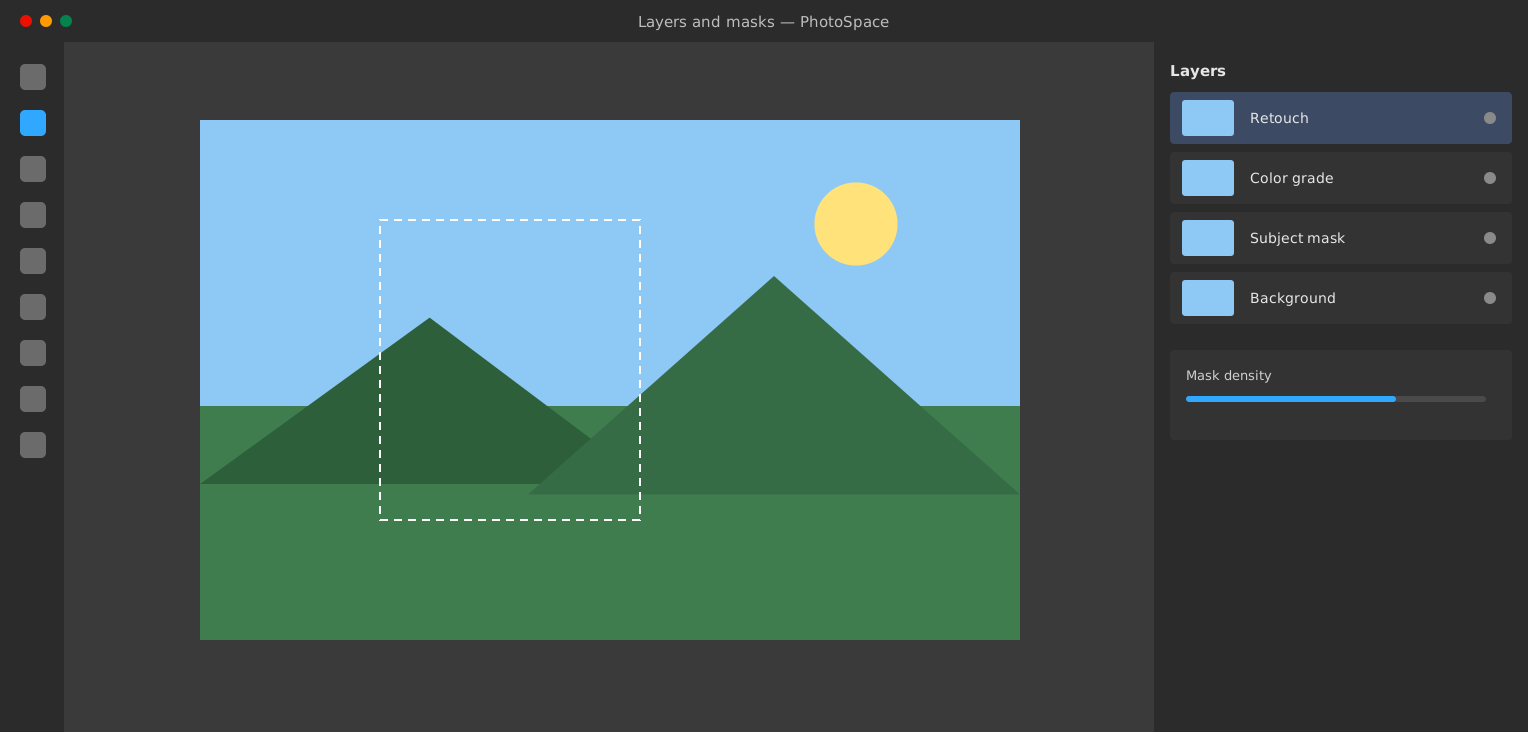
Build up edits layer by layer.
Separate retouching, color and masks, and switch them on and off to compare.
- Unlimited layers
- Layer masks
- Blend modes
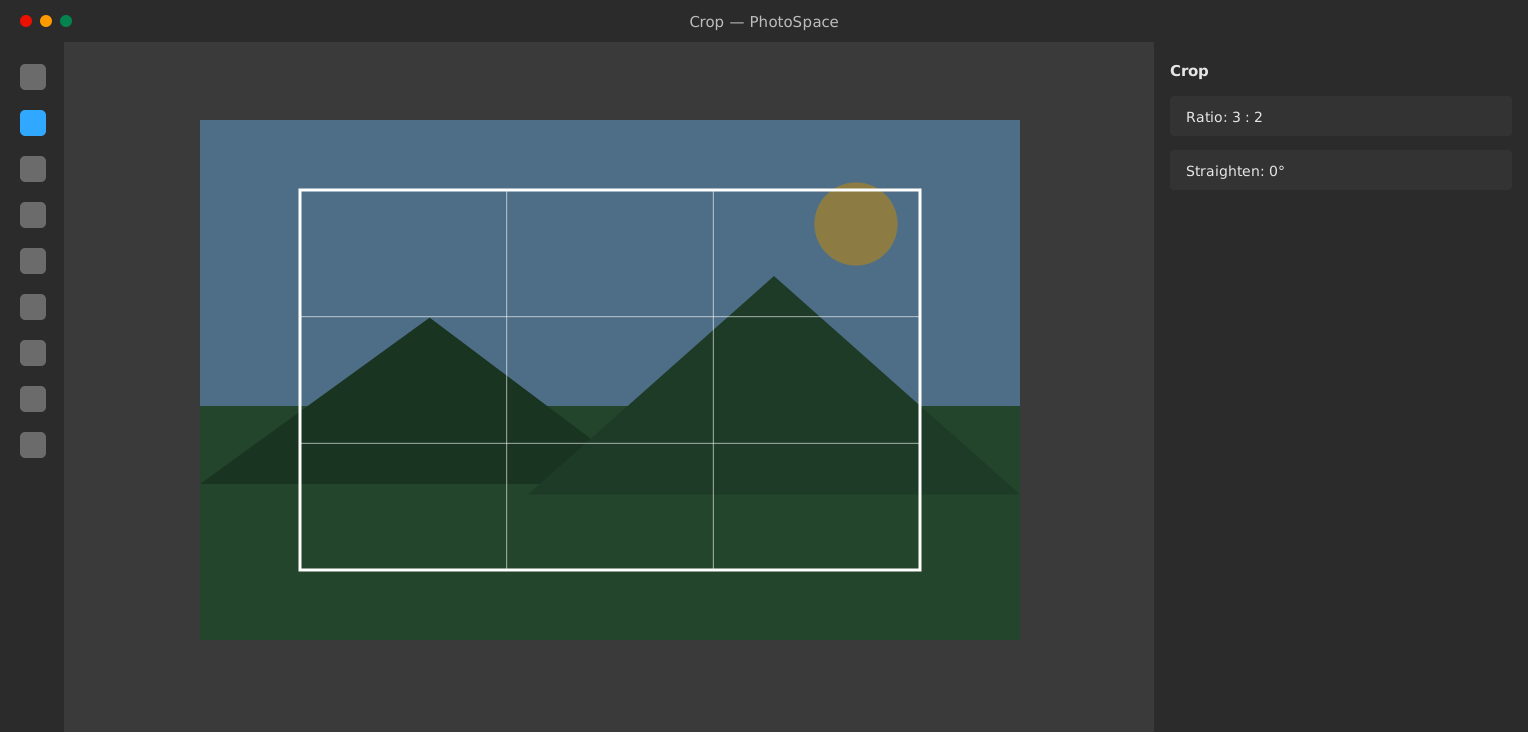
Frame every shot.
Crop to a ratio, straighten the horizon and keep the best part of the frame.
- Common ratios built in
- Rule-of-thirds overlay
- Straighten tool